
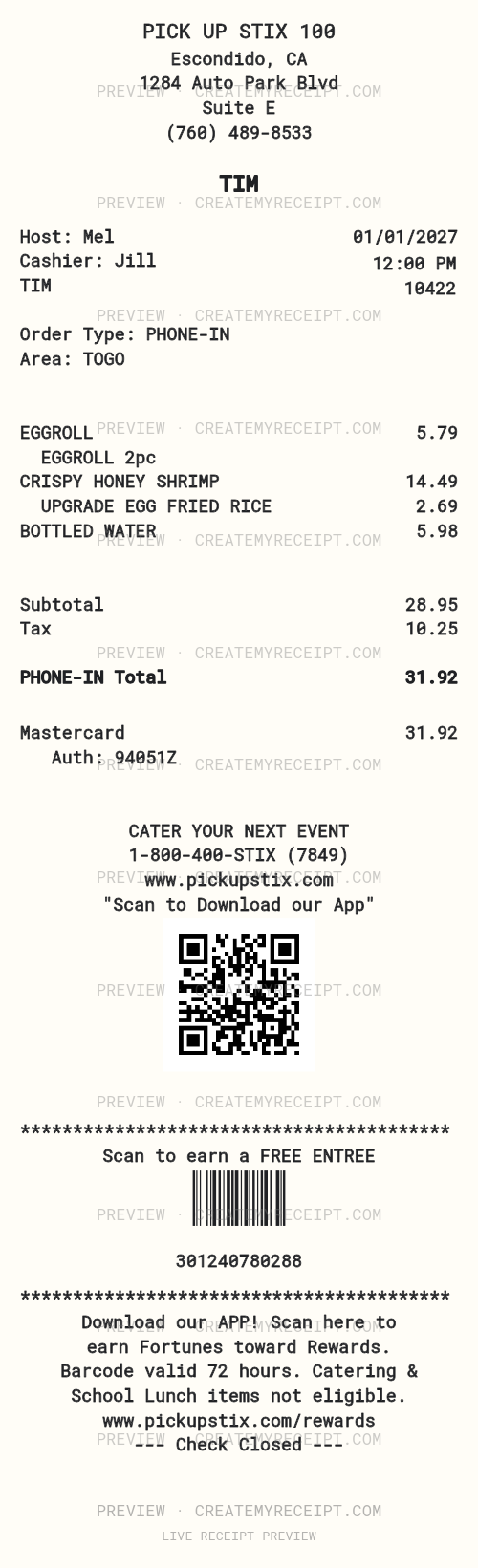
Fresh from the wok, ready for a busy day
The appeal of Pick Up Stix is a meal built around the wok in a quick-casual setting. Its official Irvine page describes meals prepared to order by wok chefs, with proteins, vegetables, sides and appetizers. That makes a receipt more useful than a single restaurant total: it can show what you chose and which additions made that lunch or dinner different.
For a fast-paced day, keep the order type alongside the purchase: dine-in, pickup or delivery, as confirmed by your order. This template gives you space to arrange those details, item wording and the restaurant header in the way that helps you recognize the visit later.
A Southern California center of gravity
Pick Up Stix is primarily a West Coast dining name, with its official location directory concentrated in Southern California communities. The directory also lists airport locations in Texas and Utah, so a familiar brand name is not enough to identify a branch. Match the location on your actual order before entering an address or comparing purchases.
A weekday meal near home and an airport purchase may belong in different personal budget categories. Keep the branch and purchase date clear instead of copying the example location on a template into every record.
Pickup and delivery deserve separate details
Pick Up Stix's delivery page describes online and app ordering for participating locations. Check the selected restaurant and checkout for current availability, charges and timing. The quick-casual format is not a promise that every delivery arrives within a particular number of minutes.
For your records, distinguish the food purchase from a separately listed delivery charge, service fee or tip. Preserve the order confirmation as well as the final payment record. A confirmation and a receipt for one meal are related documents, not automatically two expenses.
Make item choices visible in your food budget
Record the actual entree, side upgrade, appetizer and drink when the original provides that detail. An entree alone is a different purchase from an entree with rice upgraded, egg rolls and two drinks. Comparing those combinations can explain why a quick meal costs more on one visit without assuming the menu price changed.
For example, three confirmed meal purchases of $18, $24 and $21 total $63. Those are editorial arithmetic examples, not Pick Up Stix prices. Compare your own itemized records and keep taxes, fees and tips separate when supported by the source.
Lost, damaged or stolen receipt? Recover the original first
Look for the order email, app record or ordering-service confirmation used for that purchase. If needed, ask the original restaurant whether it can locate a receipt copy; use the official location directory to find its contact details. Have the date, approximate time, amount and order number if known. For a third-party order, check that service's record too. Do not assume every branch or service has the same recovery process.
Save a photo of fading paper while it is readable and retain any surviving original. A payment entry alone may support a total without identifying the food, tax or tip breakdown.
Keep a personal record when the original cannot be recovered
Customize this Pick Up Stix receipt template with details you can confirm. Replace the example business details and item wording, leave unknown amounts blank, and keep the source evidence with your entry. A user-created personal record does not become a merchant-issued original or guarantee reimbursement.
Use the layout editor to move printed fields and adjust alignment or size. With applicable paid export access, summary CSV can help sort meal records by merchant and date, while itemized CSV and Excel/XLSX help compare recorded food purchases. A clean receipt-file purchase alone does not include CSV/XLSX access. Review structured amounts before exporting; editing printed text does not automatically update numeric data. See the help center and our emailed-receipt organization guide.
Official sources reviewed October 24, 2026.