
Grass-fed choices and a clearer meal budget
Bushfire Kitchen's official food menu lists grass-fed beef burgers, a Grass-Fed Tri-Tip Bowl and grass-fed beef empanadas. This gives your meal records a useful level of detail: keep the actual dish, selected sides, drinks and any separately charged additions together, rather than recording every visit as the same meal. Availability and prices should be checked with the location and your own order.
Compare what you bought, not just the final charge
For personal budgeting, note the meal category and keep food, tax, tip and any confirmed fee separate. A bowl with an added side and drink is a different purchase from a single burger. Example: four confirmed $20 meal purchases total $80; this is an arithmetic example, not a Bushfire Kitchen menu price. Review each actual purchase before making a monthly comparison.
Lost, damaged or stolen receipt? Start with the original
Check your order confirmation, email and payment records, then ask the restaurant where you purchased whether it can supply a receipt copy. Use the official location directory to find the right restaurant. Have the purchase date, approximate time, amount and order number if available. Do not assume a duplicate or a particular recovery policy is guaranteed.
Make a personal finance record with this template
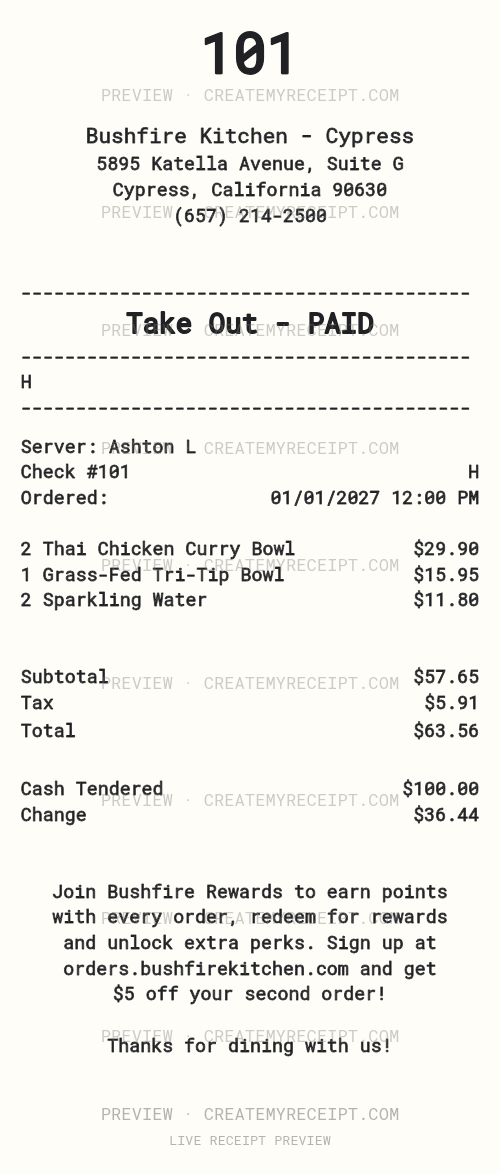
If an original cannot be recovered, customize this Bushfire Kitchen template for your personal records using details you can confirm. Enter the date, items, amounts and payment method supported by your remaining records; leave unknown details blank. Keep any surviving receipt, order email or payment record with the entry. A personal record does not become a merchant-issued original or establish eligibility for a return or reimbursement.
Use the layout editor to arrange your header, wording and fields. For reviewed structured amounts, applicable paid CSV and Excel/XLSX exports help group meal purchases by date, merchant or category. Changing printed wording does not automatically change numeric export data. See our receipt-document checklist and expense report builder when bringing records together.
Official menu reviewed October 19, 2026.