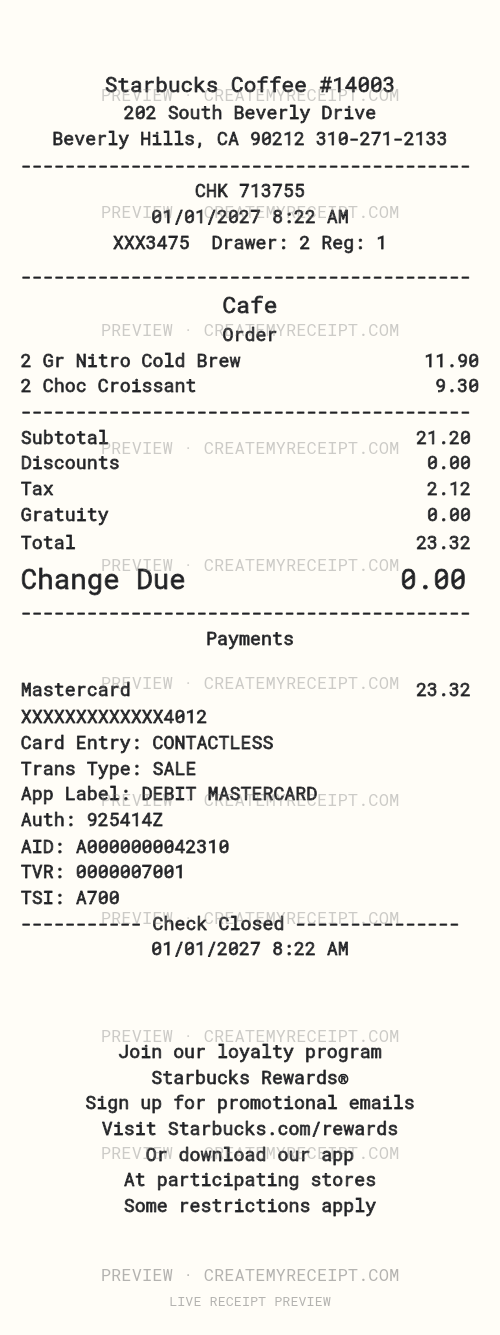
Coffee shop
Starbucks
Editable receipt template · 80 mm
Customize this template
CreateMyReceipt
Create a professional receipt with your own details, customize the layout, save your records, and export the data for spreadsheets, expense reports, and everyday organization.
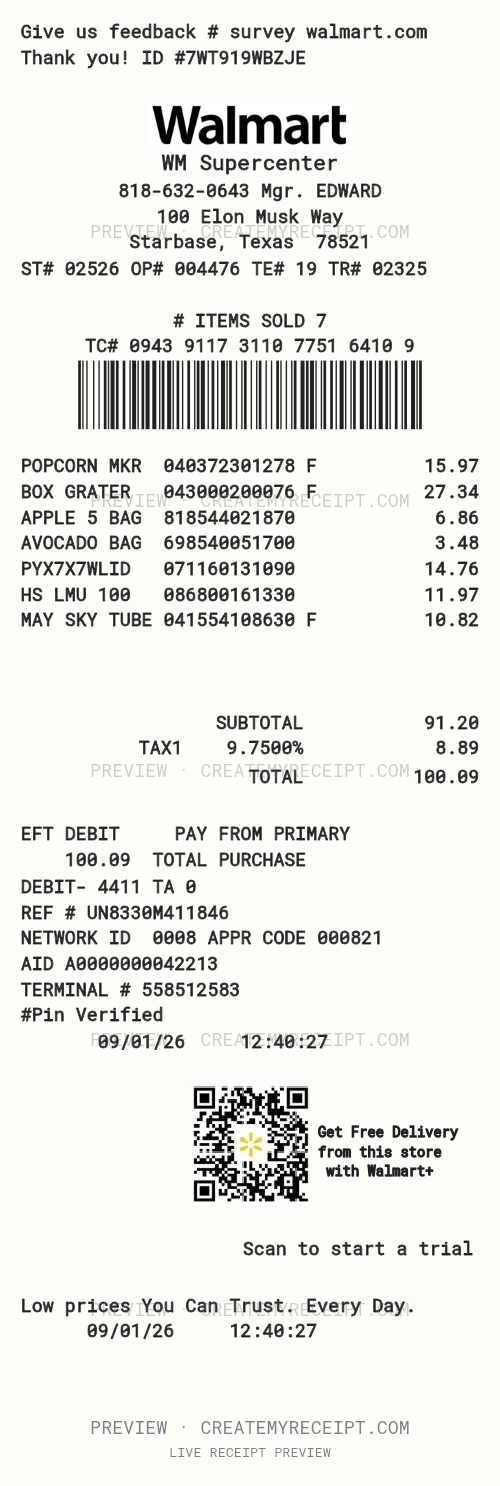 Temporary preview marks · Paid clean exports
| Date | Merchant | Total |
|---|---|---|
| 09/01/2026 | WM Supercenter | $100.09 |
CLICK · MOVE · EDIT
Put the phone above the address, add an image, or change the text size. This animated example shows a field moving into place.
Try the editor ↗The demonstration is paused.
Choose a layout. Make it yours. Keep the details.
Start from scratch with your receipt style, width and currency, or choose a merchant template.
Add your items and amounts. Drag and drop text into place to make the layout your own.
Print your receipt or move its data into a spreadsheet for finance records and everyday organization.
Start free. Clean downloads and data exports require paid access.
Find your starting point
Choose a merchant, then make the wording, items and layout your own.
Editable receipt template · 80 mm
Customize this template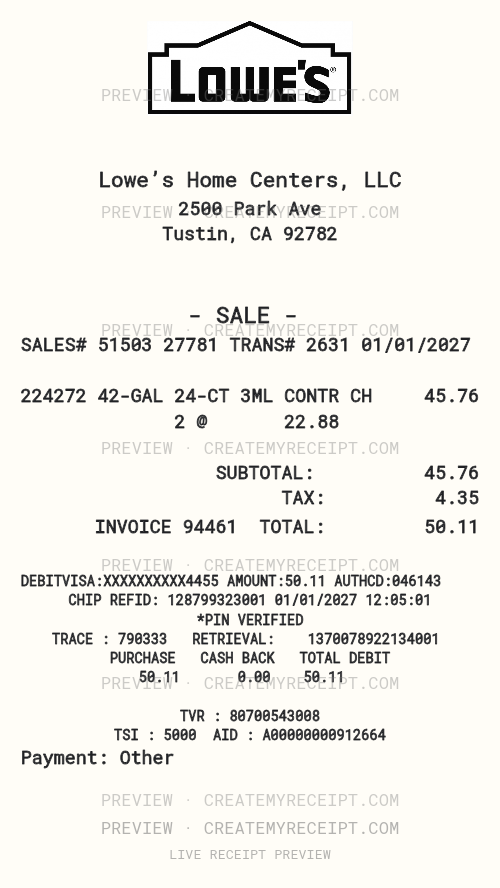
Editable receipt template · 80 mm
Customize this template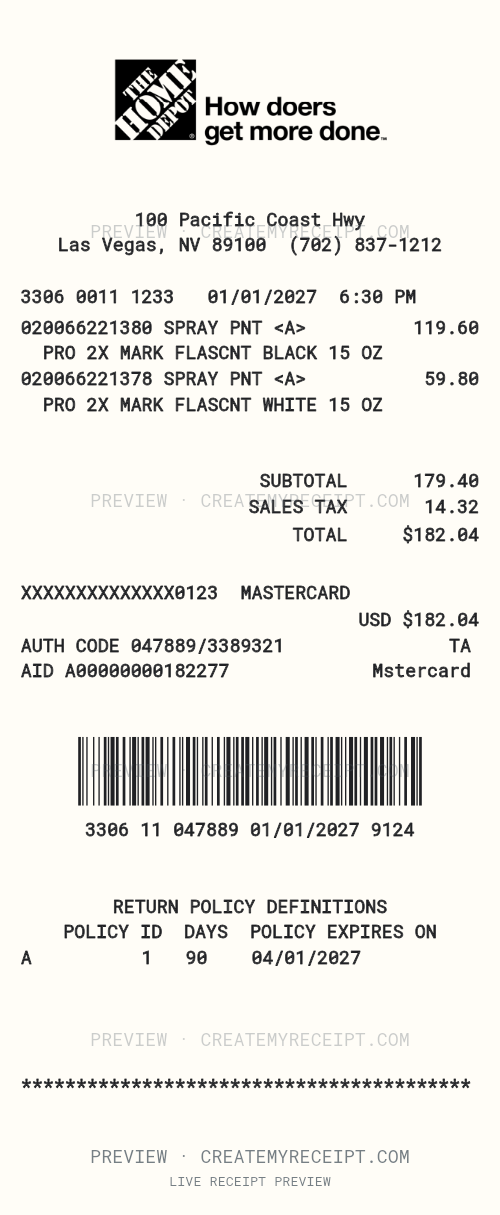
Editable receipt template · 80 mm
Customize this templateEditable receipt template · 80 mm
Customize this template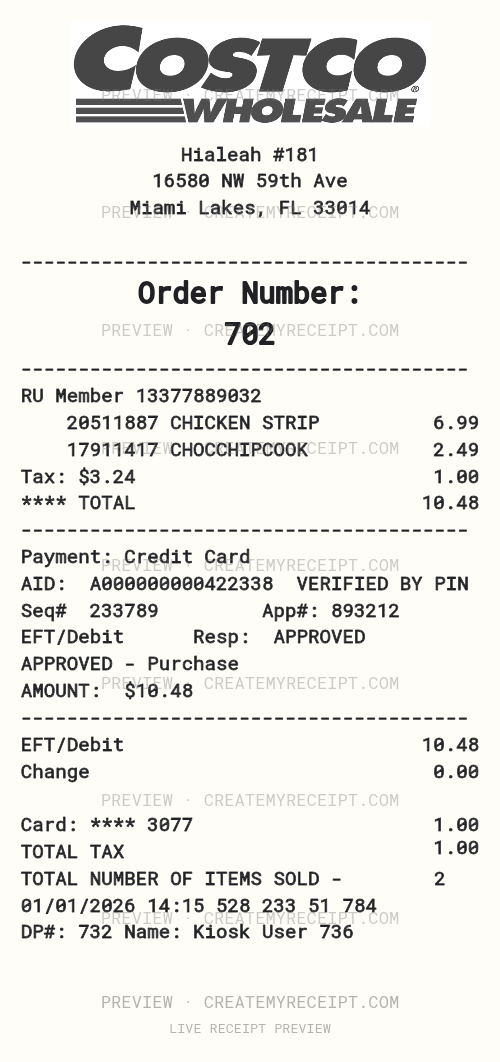
Editable receipt template · 80 mm
Customize this template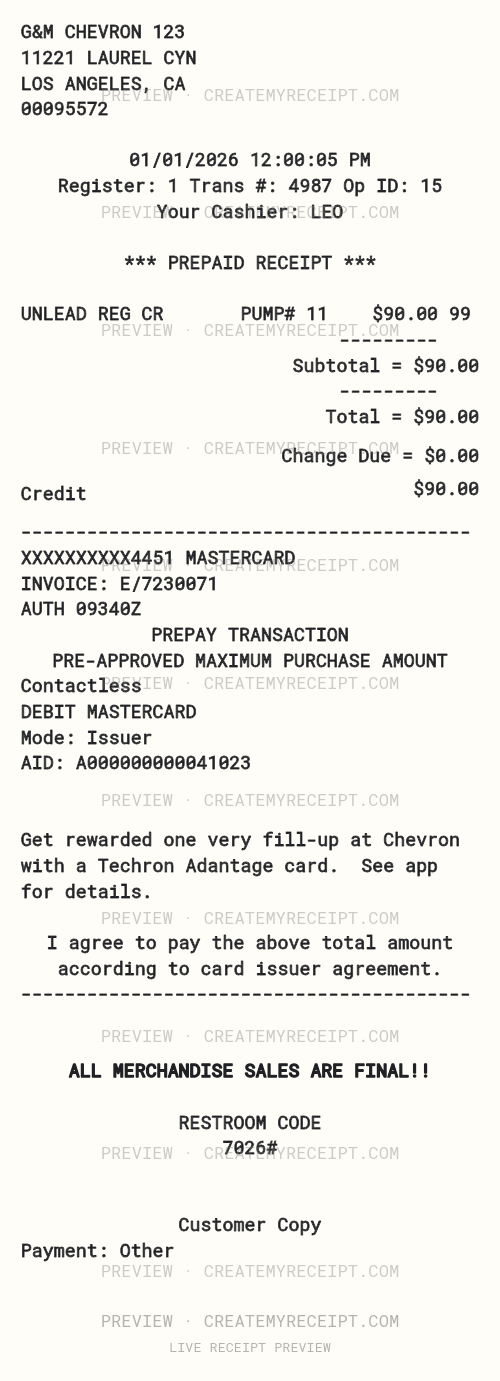
Editable receipt template · 80 mm
Customize this template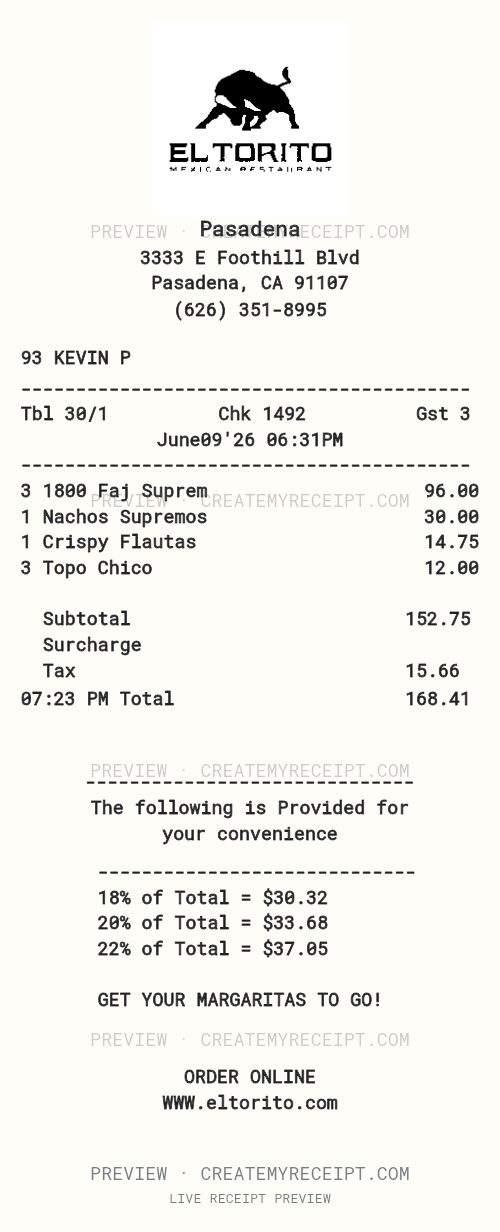
Editable receipt template · 80 mm
Customize this template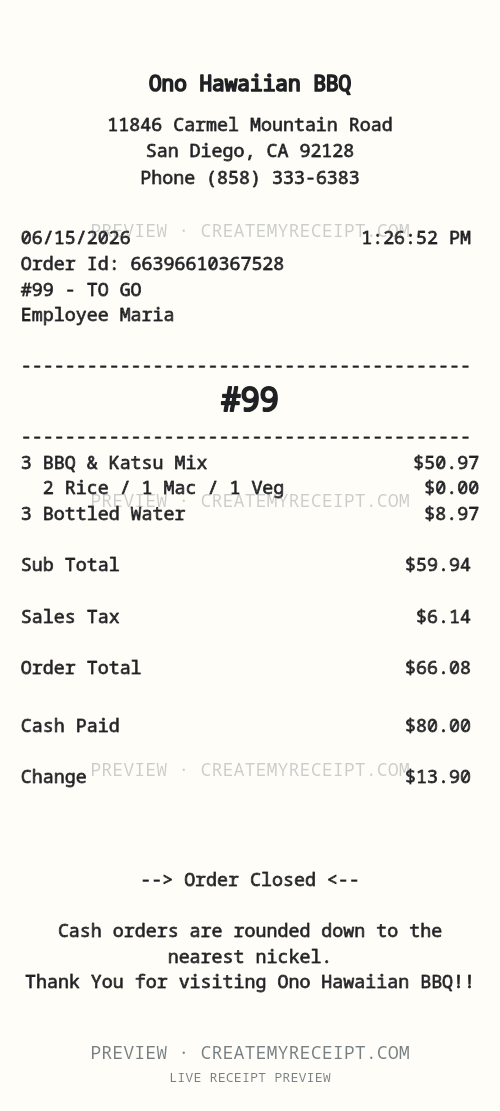
Editable receipt template · 80 mm
Customize this templateTOUCH. MOVE. MAKE IT YOURS.
Design professional receipt templates for business and education.
Start with a complete template in seconds. Touch a field, move it, and customize its text, size and spacing to fit your design.
Layout demo · Fictional sample data · Watermarked preview.
Create it. Keep it. Make sense of it. Turn your everyday receipts into organized records and an expense workbook you can actually use.
Your CMR Expense Workbook brings your selected records together in up to seven organized tabs. Less sorting. More clarity.
See how the Expense Workbook worksDownload the .XLSX workbook, then open or import it in Excel or Google Sheets.
| Receipt ID | Date | Merchants | Categories | Amount |
|---|---|---|---|---|
| demo-001 | 2026-08-12 | Example Café | Meals | $48.00 |
| demo-002 | 2026-08-21 | Example Supply | Office Supplies | $120.00 |
| demo-003 | 2026-09-03 | Example Café | Meals | $72.00 |
| demo-004 | 2026-09-08 | Example Transit | Travel | $36.00 |
| demo-005 | 2026-09-10 | Example Supply | Office Supplies | $84.00 |
| Receipt ID | Item | Amount |
|---|---|---|
| demo-001 | Meals | $48.00 |
| demo-002 | Office Supplies | $120.00 |
| demo-003 | Meals | $72.00 |
| demo-004 | Travel | $36.00 |
| demo-005 | Office Supplies | $84.00 |
| Monthly Summary | Receipts | Total recorded |
|---|---|---|
| 2026-09 | 3 | $192.00 |
| 2026-08 | 2 | $168.00 |
| Categories | Receipts | Total recorded |
|---|---|---|
| Office Supplies | 2 | $204.00 |
| Meals | 2 | $120.00 |
| Travel | 1 | $36.00 |
| Merchants | Receipts | Total recorded |
|---|---|---|
| Example Supply | 2 | $204.00 |
| Example Café | 2 | $120.00 |
| Example Transit | 1 | $36.00 |
| Payment Methods | Receipts | Total recorded |
|---|---|---|
| Credit Card | 2 | $192.00 |
| Cash | 2 | $132.00 |
| Venmo | 1 | $36.00 |
A clear overview of your selected records.
One row per Receipt ID.
Every item, tied back to its receipt.
Recorded spending, month by month.
See how your expenses are grouped.
Your recorded totals by merchant.
Compare the payment labels you enter.
Your receipt data doesn't have to end with the download. Organize it by week or month, keep it in your CMR Vault, and export it to spreadsheets and expense reports whenever you need it.
Start with your own merchant, line items, payment details, and layout.
One receipt or fifty. Convert the receipt details you enter into structured rows for CSV, Excel / XLSX, and expense reports.
Save purchase records in your private CMR Vault, then find them again by year, merchant, category, or payment context.
See receipt totals by period, category, and payment method while you organize the records you create.
Move receipt data into CSV, XLSX, or expense reports whenever it belongs in your everyday workflow.
Upload is described conservatively: no automatic scanning is promised here.
| Date | Merchant | Category | Business Purpose | Payment | Subtotal | Tax | Tip | Total |
|---|---|---|---|---|---|---|---|---|
| 09/07/2026 | Juan's Taco Truck | Meals | Client Lunch | Credit Card | $56.00 | $4.23 | $10.00 | $70.23 |
| 02/19/2026 | Home Depot | Home improvement | Remodel supplies | Credit Card | $179.40 | $2.64 | - | $182.04 |
| 09/02/2026 | Office Supply Store | Office | Client files | Debit Card | $110.02 | $8.90 | - | $118.92 |
| 08/28/2026 | Local Food Vendor | Meals | Client lunch | Cash | $28.00 | - | - | $28.00 |
Private purchase records, ready when tax season, insurance, reimbursement, warranty, or personal finance questions show up.
Illustrative totals shown here are based on receipt details you create and save.
Build a receipt with your own details, keep the record in your CMR Vault, and export it when you need a spreadsheet or expense report.
Illustrative product journey. CreateMyReceipt organizes user-provided purchase records; it does not independently verify merchant transactions or guarantee acceptance for tax, insurance, or reimbursement decisions.
Thermal paper fades, wallets empty, and cash purchases leave no statement behind. CreateMyReceipt keeps the purchase organized long after the paper is gone.
CreateMyReceipt helps you create organized records for real purchases, then keep and export the details in the format your workflow needs.
Create a record from the purchase details you can document, then keep it somewhere you can find it again.
No card statement, no email confirmation. Create the record from the details you know about the purchase.
Keep client, project, and reimbursement context attached to the purchase instead of scattered across notes.
Turn a shoebox of purchases into structured rows your accountant can actually read.
Organize replacement and claim-support purchase details in one consistent format.
Keep a cleaner history of the purchases that matter to you, long after the paper fades.
A real purchase does not stop being real because no bank saw it. Document what you know — merchant, amount, date, and business purpose — and keep it with the rest of your records. CreateMyReceipt organizes the information you provide; it does not independently verify the transaction with the merchant.
Receipt details organized for your records.
Para Negocios
Need to issue a receipt for a real earlier transaction?
CreateMyReceipt for Business is being built for small businesses, independent workers, mobile vendors, contractors, food vendors, and other merchants who need to create or replace receipts for legitimate transactions.
Illustrative labels only. CreateMyReceipt would record the payment method a merchant enters. It does not connect to, integrate with, or verify these services.
También disponible en español próximamente.
Replacement receipt
Both dates stay on the document. The transaction date is when the customer paid. The issue date is when this replacement was created.
Illustration of the planned merchant record. The feature is not available yet.
Merchant receipt guides
From groceries to handyman services: learn what to record, how to review the totals, and how to organize your records.
Create a protected preview now. Upgrade only when you need clean downloads or professional expense reports.