Missing a Walgreens Receipt? Recover Online and Digital Purchase Records
Recover Walgreens.com receipts through official purchase history, check digital receipts and organize confirmed household purchases.
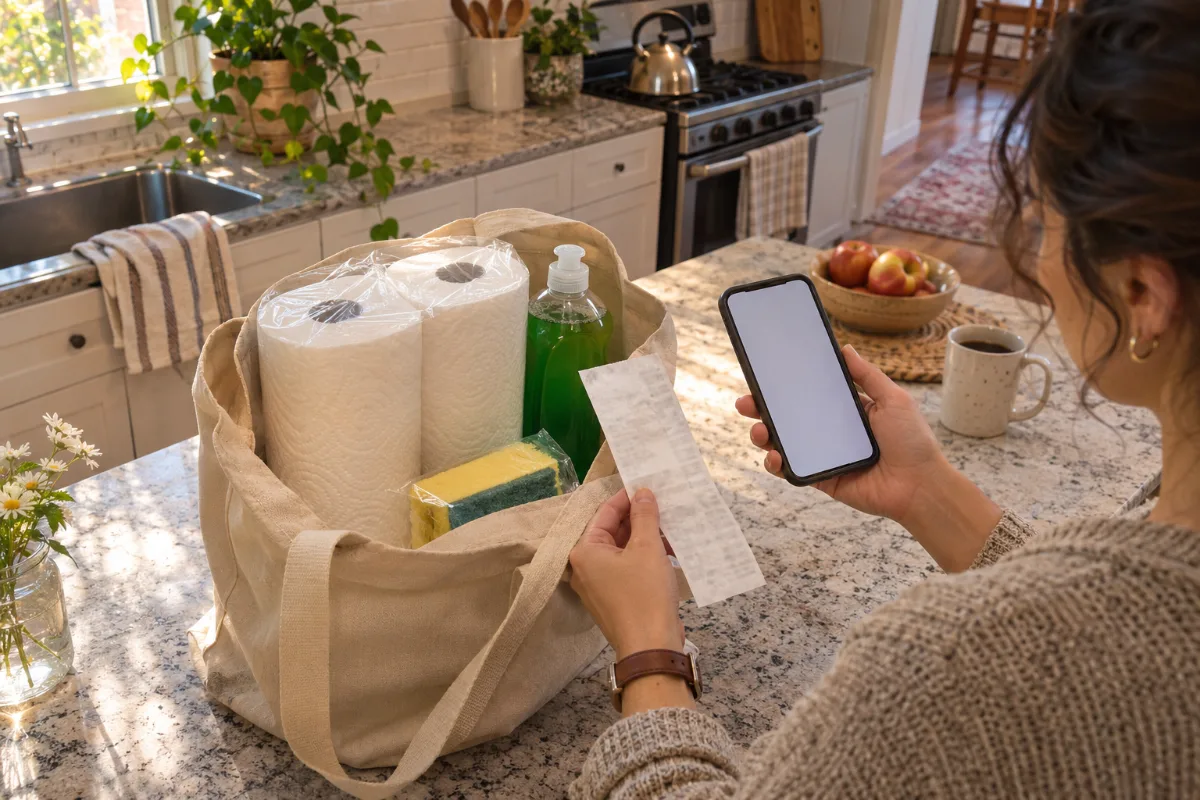
A missing receipt for household basics is easier to investigate when you separate an online order from a store trip. Start with Walgreens' own records before building a personal purchase log. Keep any faded paper or surviving email while you search.
This guide covers ordinary United States retail purchases such as cleaning supplies, reviewed November 7, 2026. It does not cover prescriptions, medical records, health-account claims or insurance documentation.
Recover a Walgreens.com order receipt
Walgreens' official receipt instructions describe this route for orders placed through a Walgreens.com account: sign in, open Purchases and choose Purchase History, then select the order number. On the detail page, use the Print or PDF icon to obtain the receipt or invoice. Its help also points people missing an original toward Product Purchase History for order details.
Use the account that placed the order and compare its details with the purchase you are trying to recover. Save the resulting file privately and open it to check that the product lines and totals are legible. An order number is a useful search reference; it does not justify filling in missing prices yourself.
Check digital receipts for a store purchase
The myWalgreens digital-receipt FAQ says enrolled customers can view transaction history online or in the app. Receipt delivery can be by email or the app, depending on the chosen preference. Check the available record and any receipt email for the relevant shopping trip.
Do not assume that changing a preference now will recreate an older missing document. If you cannot locate the transaction, ask Walgreens through its official customer-service route what help is available for that purchase. CMR cannot search a Walgreens account or retrieve a merchant receipt on your behalf.
Match the actual basket before recording costs
Several purchases of paper towels or dish soap can have similar totals. Compare the date, supported items and payment evidence. If the receipt is only partly readable, photograph the surviving information and retain the paper. Today's advertised price cannot establish what an earlier transaction cost.
Keep the source's discounts and final paid amount intact. If something is unclear, mark it unresolved rather than adjusting a printed total to match a bank entry. A card statement can support a payment reference without proving the basket's item-by-item allocation.
Example: one shopping trip, two household categories
Imagine recovered records confirm 12 dollars for paper goods and 8 dollars for cleaning supplies. These are editorial examples, not Walgreens prices. You can assign the supported lines to different household categories while retaining the receipt's actual tax, discounts and total.
Do not add the bank payment as another purchase beside those same items. If only the final payment is confirmed, leave the category split pending. Save a later refund document beside the original purchase instead of overwriting the earlier evidence.
Keep recovery separate from a return decision
Finding a receipt does not establish that every product can be returned. Consult Walgreens' current official help for the particular item and ask the retailer about unresolved questions. This guide does not promise a refund, a deadline extension or acceptance of a personal record.
For another retailer, follow that retailer's process. Our Walmart store receipt guide describes a different recovery route; a Walmart record cannot establish a Walgreens purchase.
Organize confirmed amounts in CMR
When an original cannot be recovered, the CMR editor can arrange supported details in a personal record. Replace sample content, leave unknown amounts blank and preserve original evidence. A user-created document is not a Walgreens-issued receipt.
With applicable paid access, summary CSV helps sort reviewed household purchases by merchant and date. Itemized CSV and Excel/XLSX can group confirmed paper-goods and cleaning-supply lines for your own budget comparisons. Records Export covers up to 10 receipts; a Clean Receipt file purchase alone does not include CSV/XLSX. Review confirmed structured amounts before exporting. Editing printed wording or moving fields does not automatically change numeric data. See CMR help for export steps.
Official sources and CMR links reviewed November 7, 2026.