Missing a Dollar General Delivery Receipt? Check DG or DoorDash First
Find the right source for a missing DG Delivery or DoorDash receipt, preserve completed-order evidence and organize confirmed delivery purchases.
If a Dollar General delivery receipt is missing, first identify where you placed the order. A delivery ordered through DG and a purchase made in the DoorDash marketplace have different records. Searching the wrong account can make an available receipt look lost.
This guide covers United States delivery purchase records, reviewed November 8, 2026. It does not promise recovery of every transaction or describe a universal store receipt lookup.
For DG Delivery, find the completed-order email
Dollar General's DG Delivery terms say a digital receipt is emailed to the address supplied with the order, and the completed-order email serves as the receipt. Search that inbox and its unwanted-mail folders using the merchant and order reference. Preserve the full message and any attached document privately.
Use the completed purchase record when available rather than treating an early order estimate as the final amount. The same official terms distinguish the initial payment hold from the final charge, which can reflect substitutions and other adjustments. Compare the actual finished order with the payment evidence before recording the amount.
If the message is unavailable, use the merchant's current order-help channel to ask what can be recovered. Prepare the order reference and date, but provide private account details only through the official support process. CMR cannot retrieve the email or access your DG account.
For a DoorDash marketplace order, use DoorDash records
Dollar General's DoorDash FAQ says marketplace purchases do not appear in Dollar General Order History. Those purchases receive a digital receipt from DoorDash rather than the store's in-store receipt. Look in the DoorDash account and receipt messages used for that order.
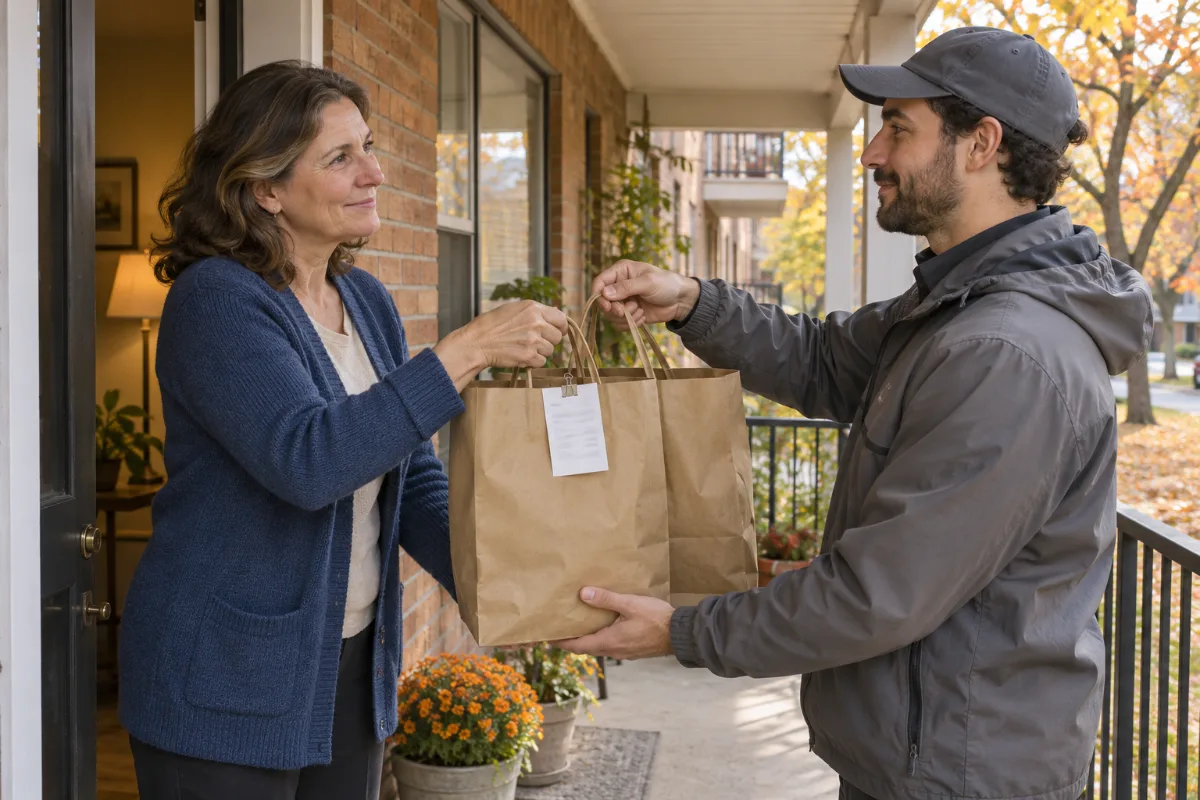
The FAQ directs order problems to Help in the DoorDash app or website. Use that route if the record remains missing or does not match the purchase. Do not assume that a DG account search will recover a separate marketplace transaction, or that the driver handing over a bag determines which company holds your receipt.
Preserve the record that explains the final payment
Keep the order confirmation, completed receipt and any later adjustment together, labeled by their purpose. They may describe different stages of one transaction. A bank hold and a final charge should not automatically become two expenses in your working list.
Check supported items and quantities before comparing totals. Keep original tax, fees, discounts and gratuity lines as shown; leave any unresolved difference pending. A current product page or a remembered basket does not establish the earlier paid amount.
Example: retain an adjustment without inventing a line
Imagine the initial order estimate is $32, but a recovered completed receipt confirms $29 after an unavailable item is removed. These numbers are editorial examples, not DG prices or fees. Record the confirmed final purchase and retain the estimate as earlier evidence, not another $32 purchase.
If the reason for the difference is not documented, do not invent a refund or discount line. Ask the original order provider and preserve its response. When a later correction arrives, keep both versions with dates so your working log has a clear history.
Save a personal summary only from supported details
If recovery is unsuccessful, the CMR editor can arrange confirmed details in a personal record. Replace sample content and leave unknown amounts blank. That document is not a Dollar General- or DoorDash-issued original and does not guarantee a refund or reimbursement. Preserve every original source available.
With applicable paid access, summary CSV can sort reviewed deliveries by date and merchant; itemized CSV and Excel/XLSX can help compare confirmed purchases and separately recorded delivery costs. Records Export covers up to 10 receipts. A Clean Receipt file purchase alone does not include CSV/XLSX. Review confirmed structured amounts before exporting; editing printed text or moving fields does not automatically update numeric data. See CMR help.
For another retailer's account process, use the Walgreens receipt recovery guide. Keep each provider's original documents with the purchase it actually handled.
Official sources and CMR links reviewed November 8, 2026.