
Print a Walmart Online Order Receipt and Organize Your Purchase Records
Recover the retailer's receipt, distinguish an order from its shipments, and build a clear purchase record for your files.
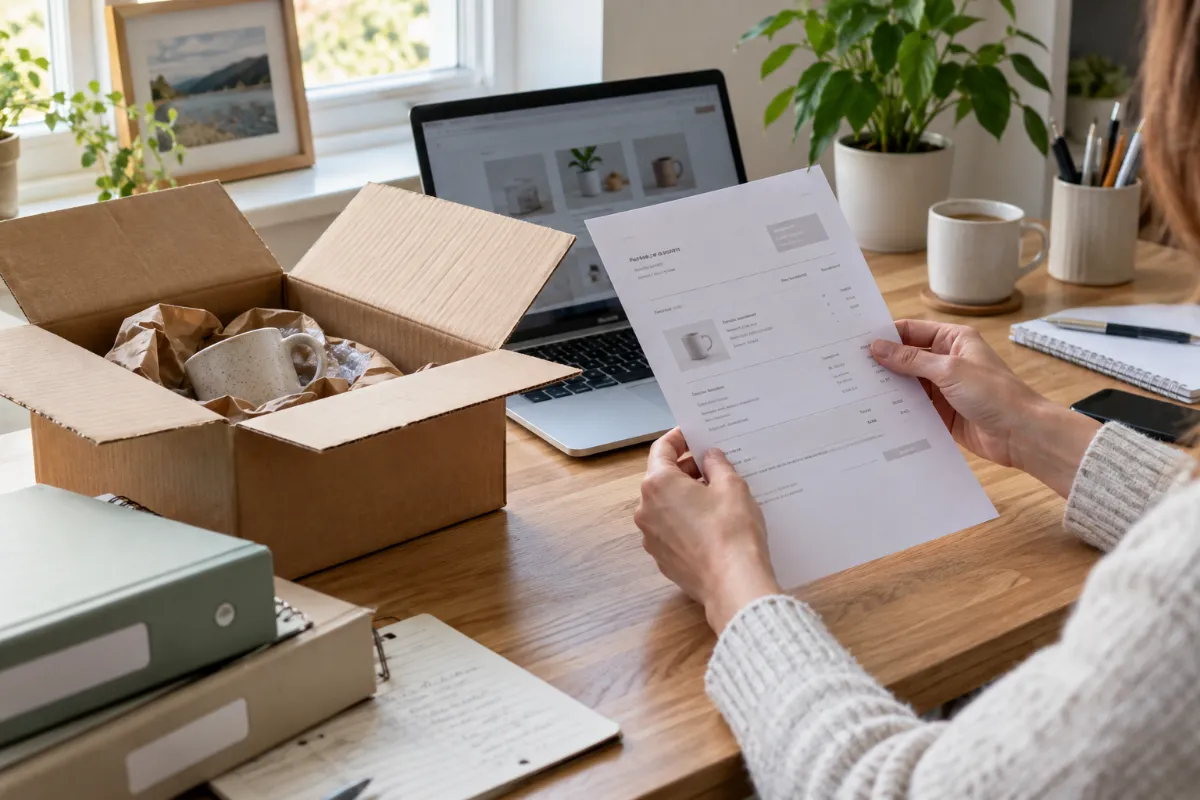
An order email, a box in the hallway and a card charge can all relate to the same purchase. Filing each as a separate expense makes your spending look larger than it was. Recover the retailer's original receipt first, then use the other documents to explain the purchase rather than duplicate it.
This guide focuses on Walmart pickup, delivery and shipping receipts, with general organization examples. The official recovery instructions and linked CMR tools were checked on October 8, 2026.
Find and print the original Walmart receipt
Walmart's official help page directs customers to the account's Purchase History for pickup, delivery and shipping records. Open the relevant order, review its totals and payment information, and use the receipt printing option:
- Sign in to your account on Walmart.com.
- Open Purchase History and find the correct order.
- Choose View details.
- Select the Print icon at the top left.
Follow the current controls shown on your account if their appearance changes. These steps come from Walmart's official receipt help. They retrieve Walmart's document; a CMR template does not access your Walmart account.
If your browser offers Save as PDF in the print dialog, save a copy before closing. Check that the preview includes the merchant, order identifier, items and totals you need. A document that cuts off the bottom of the order may omit important payment details.
Keep an order, a delivery and a payment distinct
For your own files, separate three questions: what did you order, what arrived, and what did you pay? A shipment document can help identify the contents of a box without establishing the complete final amount. A card entry confirms a payment amount without necessarily explaining every item.
Do not assume that one package equals one purchase or that an email total is the final settled amount. Compare the available documents and retain any later correction or refund record. If a detail is not confirmed, leave it unknown instead of filling the gap from a product's current online price.
A useful folder contains the retailer's receipt, the order confirmation and any relevant refund confirmation. Label each by its purpose so a second document is not mistaken for another expense.
A worked example: two packages, one purchase
Imagine a hypothetical order containing a $20 household item and a $30 desk accessory. The receipt confirms a $5 discount, $3.60 tax and no shipping charge:
- Items: $20 + $30 = $50.00.
- After discount: $50 − $5 = $45.00.
- Total paid: $45 + $3.60 = $48.60.
The figures illustrate bookkeeping, not current Walmart prices or a tax rate. If the two items arrive in separate boxes, the purchase remains $48.60. Entering $48.60 twice would incorrectly report $97.20.
If a later refund is confirmed, keep its date and amount as a separate event linked to the original order. Do not quietly replace the original receipt with a lower total; preserving both events makes the history easier to explain. Use the actual confirmed refund rather than estimating a tax allocation.
Print a readable reference copy
Before printing, check the page count and print preview. Avoid tiny scaling that makes order numbers unreadable. If pages are missing, return to the full order details rather than printing a cropped screen.
Keep the digital source even when you print a paper copy. A simple filename such as “2026-10-08 — Walmart — order reference” helps you connect the receipt with later correspondence. Keep full payment credentials out of filenames and shared notes.
A thermal receipt layout and an online order document may have different shapes. Preserve the retailer's original document for evidence, and choose a separate layout for your personal organization when useful.
Organize confirmed details with CMR
The published Walmart receipt template offers an editable retail layout. Its example values are not your order, and its format need not match a Walmart online receipt. Use the general receipt editor when another layout suits your record better.
- Keep the recovered Walmart document as the source.
- Replace all example merchant, item, date and amount fields with confirmed information.
- Record discounts, tax and shipping separately when the source shows them.
- Note the source document and order reference.
- Review the total before saving your personal record.
CMR does not create a merchant-issued original or guarantee reimbursement. If a return desk, employer or other recipient requires documentation, confirm what it accepts and retain the retailer's document.
Make a spreadsheet that avoids duplicates
For a personal spreadsheet, use one purchase reference to connect related records. Useful columns include purchase date, merchant, order reference, item subtotal, discount, tax, shipping, total paid and source filename. A separate event column can distinguish a purchase from a refund.
CMR's paid Records Export and active unlimited passes include Excel/XLSX export. Review the current export options and pricing, then use the available export workflow for your saved records. The expense report tool can help organize an appropriate record set.
Before relying on a report, check that confirmations, shipments and card entries have not become duplicate purchases. That final comparison matters more than how polished the document looks.
Quick questions
Is an order email enough?
It may be a useful reference, but retrieve the retailer's receipt when available and check any final adjustments. Requirements depend on the recipient; an email is not automatically acceptable for every purpose.
What if the original cannot be recovered?
Ask the retailer for help. A personal record can organize confirmed details for internal use, but leave unsupported item descriptions or charges blank.
Should I copy the template's example amounts?
No. Replace them with your own confirmed purchase details. A preset is a starting design, not evidence of a transaction.
Official instructions checked October 8, 2026.