
Missing an Amazon Packing Slip? Recover the Original Order Invoice
Recover an Amazon.com order invoice when the packing slip is missing, save the complete source and avoid counting the same purchase twice.
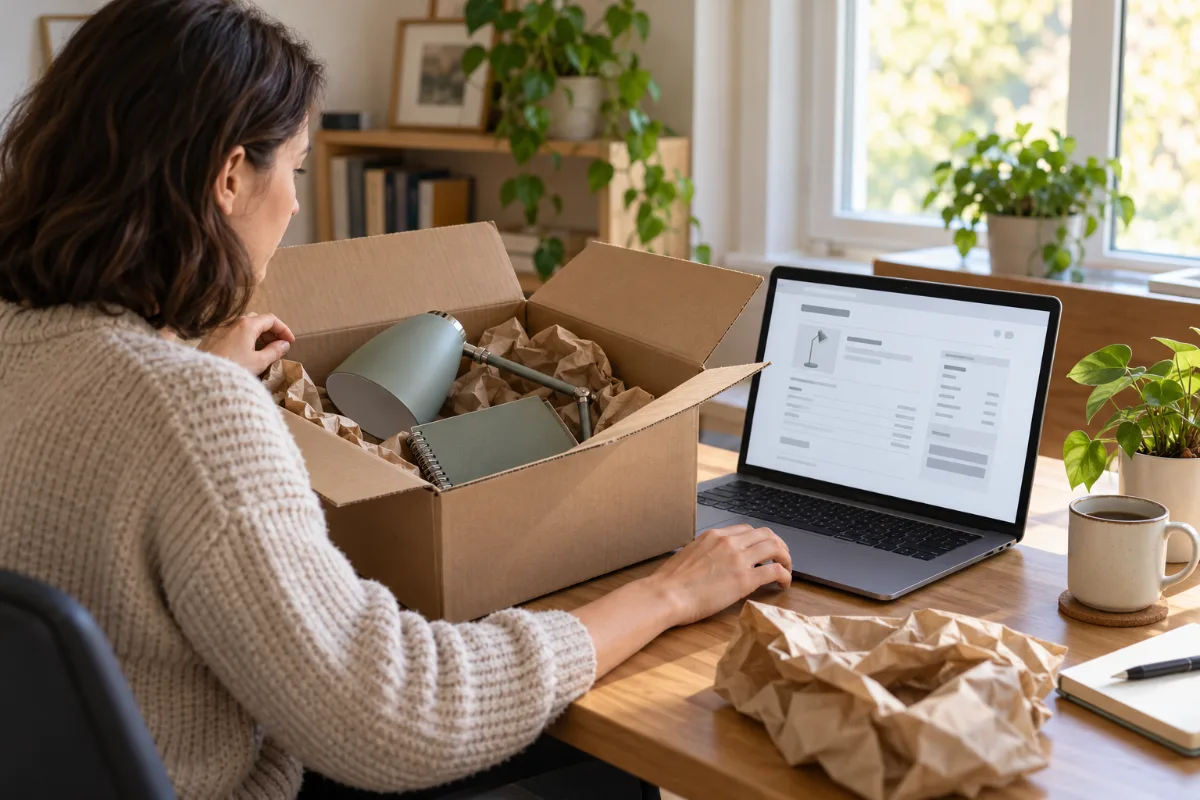
You open a delivery box, put the item away and later realize there was no packing slip. That does not mean you need to reconstruct the purchase from memory. For an Amazon.com order, start with the original account document rather than the paper inside the package.
This guide covers ordinary US Amazon.com purchases and personal purchase organization. It does not provide tax-invoice eligibility, warranty or return-acceptance advice.
Missing paper in the box? Start with Your Orders
Amazon's missing packing slip help directs shoppers to print an invoice from Your Orders. It says to choose the appropriate date range, find the order and open View Invoice. Its invoice instructions say an invoice can be printed after shipment: select Invoice under the order number, open the print option on the order summary and use the browser's print control.
Use those instructions on Amazon's own website. CMR does not connect to your Amazon account or retrieve its order documents. If the account screen differs or the document is unavailable, use Amazon's help for the actual order rather than assuming a particular button must exist in every app view.
Confirm the order before saving anything
Match the item and order date with your own purchase evidence. Look beyond a familiar product photo: repeat purchases can look alike. Check the quantity, seller and amount shown on the original document before deciding that you have found the missing record.
If you cannot locate the order, first check which account and marketplace you used. An email confirmation can help you identify the right order, but a delivery notification alone may not contain the complete purchase details. Do not use someone else's account or copy another person's invoice to fill a gap.
Keep a short search note: account checked, date range reviewed and document status. Ask official support about unresolved differences. This guide does not promise that every missing document can be recovered.
Save the complete source document
When the browser offers a PDF destination in its print dialog, you can save the original displayed document to your own files. Open the saved file to confirm that all pages and item details are present. This is a general browser workflow; the available options depend on your device.
Choose a filename that helps you find the purchase later, such as date, merchant and a short item description. Keep the order reference inside your private records. Avoid posting invoices publicly: they may contain names, addresses and order information.
A photo of the package is useful context, but it does not prove a missing price or quantity. Preserve any surviving paper and email alongside the account document instead of replacing them with an edited copy.
Record a purchase once, even when several documents exist
A packing document, confirmation email and saved invoice may all relate to the same purchase. They are sources for one record, not automatically three separate expenses. Compare their references and contents before adding another row to your spreadsheet.
For example, imagine an invoice confirms a $46.80 desk-lamp purchase. That is an editorial example, not an Amazon offer. Attach the recovered invoice to the existing $46.80 entry. If your only evidence was an unclear payment description, leave item and tax details unresolved until the original supports them. Do not invent a breakdown just to make a personal document appear complete.
If you later receive a refund document, keep it connected to the purchase and review the supported amounts separately. Do not overwrite the original invoice or assume the refund equals the full original charge.
Use CMR for confirmed personal records when needed
If the original remains unavailable, the CMR editor can help arrange confirmed details in a personal record. Replace example merchant, address and item text; leave unsupported fields blank. A CMR-created record is not an Amazon-issued invoice and does not guarantee acceptance for reimbursement, a return or another documentation requirement. Preserve the evidence you actually have.
With applicable paid export access, summary CSV helps sort reviewed online purchases by merchant and date. Itemized CSV and Excel/XLSX help organize supported items such as office supplies or household equipment. A clean receipt-file purchase alone does not include CSV/XLSX access. Review confirmed structured amounts before exporting; changing printed wording does not automatically update numeric data. See CMR help for export steps.
For a different retailer's account workflow, see our Walmart online-order guide. Keep each merchant's recovery steps separate. The goal is a clear connection between the real purchase, the original source and your personal records.
Official Amazon sources and CMR links reviewed October 26, 2026.